
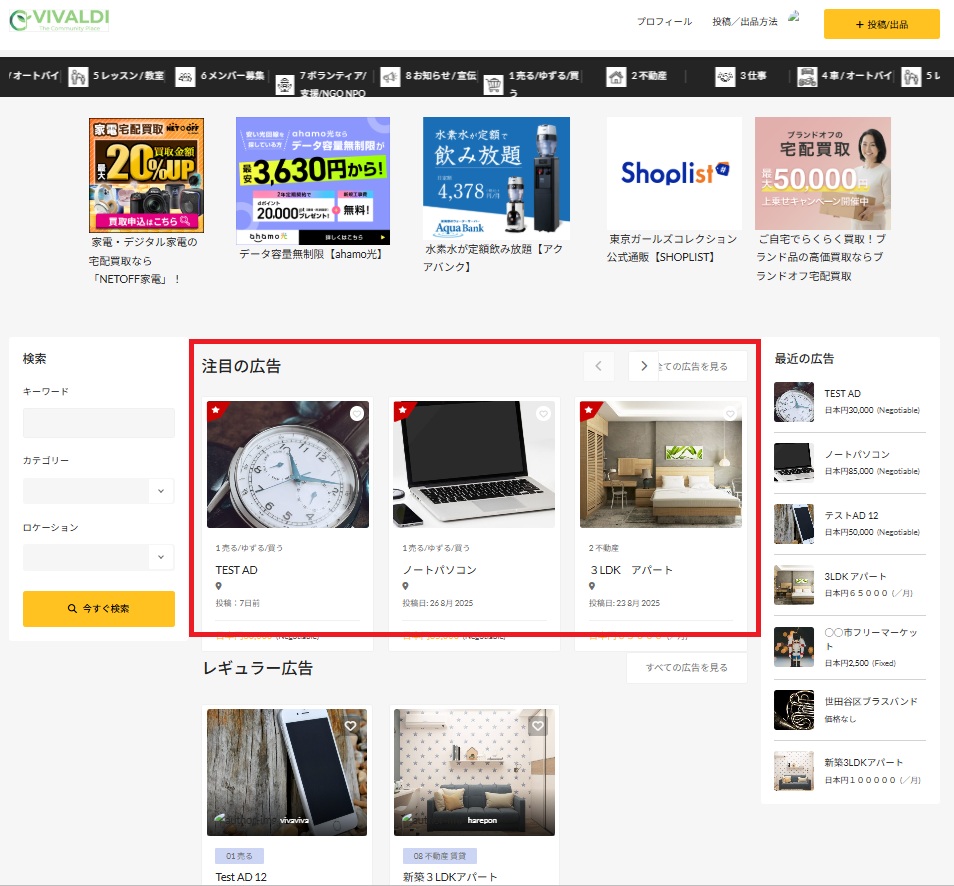
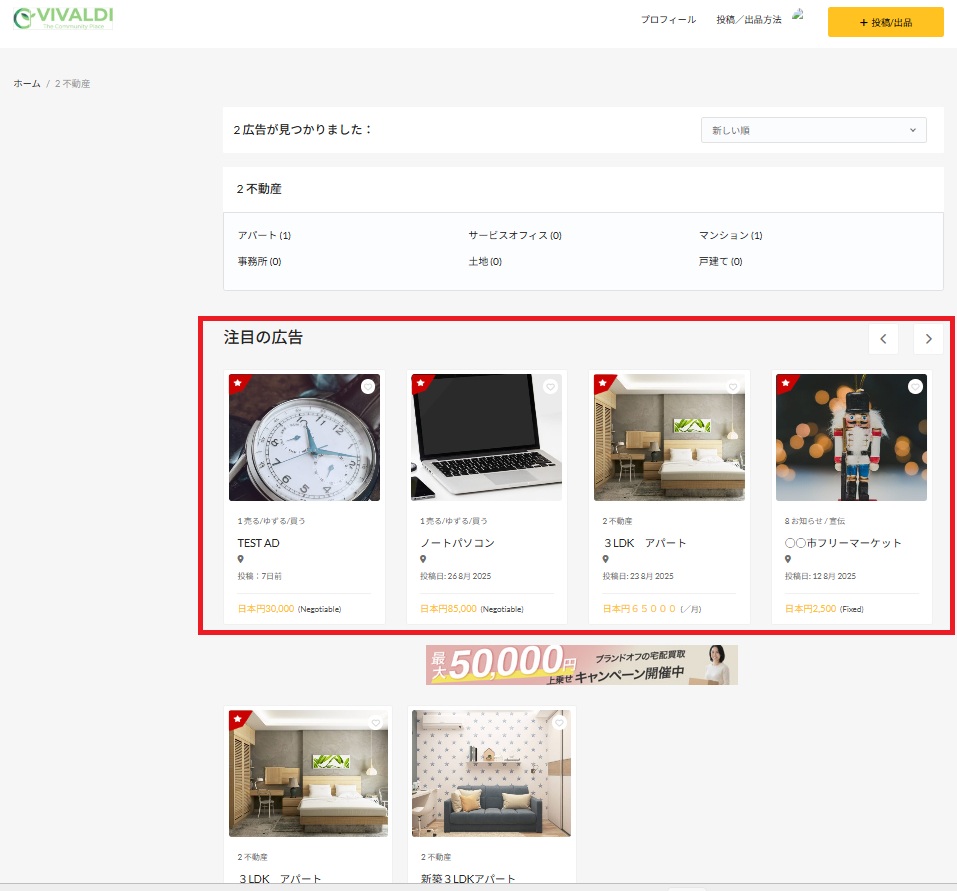
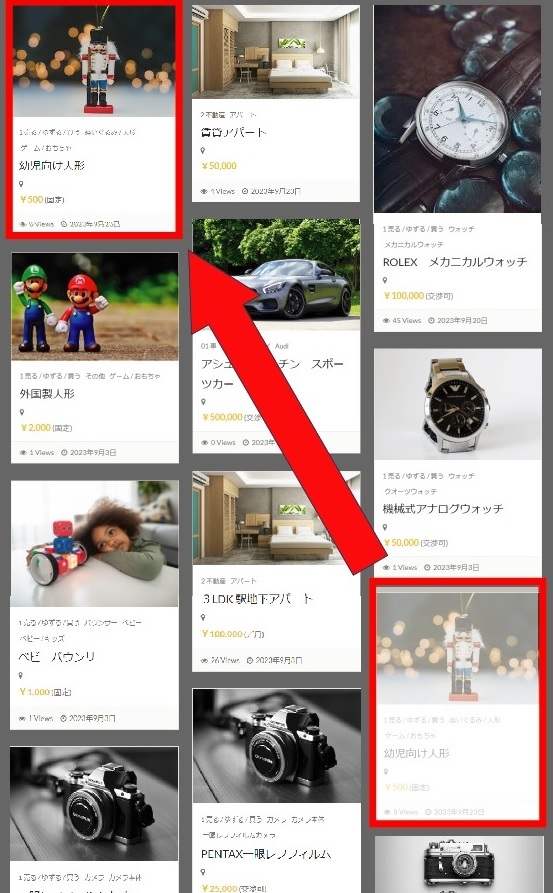
Submitted items and ads will be displayed at the top of the list, starting with the newest items and ads. After the date of submission, the display rank will decrease. A bump up is a previously posted item or ad that is displayed again higher on the top page, making it more visible to viewers.
※バンプアップの設定方法
1 画面上部のプロフィールをタップ
2 画面左にあるメニューの「投稿/出品アイテムの管理」をタップ
3「アクティブな投稿」をタップ
4 該当投稿の右の  アイコンをタップして行います
Copyright © VIVALDI. All Rights Reserved.
 Japanese Japanese
  English
 Chinese (China)
 Chinese (Taiwan)
 Vietnamese
 Tagalog
 Portuguese
 Korean
 French
 Italian